
The small-business guide to cybersecurity
Threats, passwords, backups, GDPR, remote work: the complete guide to cybersecurity for small businesses, to protect yourself without jargon or overspending.
Published on April 23, 2026
For a small business, cybersecurity often feels like a topic reserved for large organisations: technical, stressful, and always put off until later. Yet it is small businesses that are most exposed today, precisely because they are the least protected.
This guide gathers the essentials a small business needs to understand in order to protect itself: why you are a target, the threats that truly matter, the fundamentals to put in place, GDPR compliance, remote work, and when it becomes worth getting support. Each section links to a detailed article and to our core cybersecurity and advisory page.
Why are small businesses targets?
Many owners think their company is too small to interest an attacker. On the ground, the opposite holds true.
Attacks are not targeted, they are mass-scale. Most attackers do not pick a specific company: they sweep thousands of addresses with automated tools and exploit whatever weaknesses they find. A small business ends up in the net like anyone else, without having done anything to draw attention.
Smaller structures are often less protected. Without a dedicated IT team, updates lag, backups are rare and two-factor authentication is missing. For an attacker, that is an open door requiring little effort for a real potential gain.
The consequences are proportionally heavier. A large company absorbs an incident. A small business, on the other hand, can see its activity halted for several days, lose customer data and take a lasting hit to its cash flow. The good news: a few simple measures largely reverse the balance, and that is exactly the purpose of our cybersecurity and advisory page.
What are the main threats for a small business?
There is no need to know every attack that exists. For a small structure, two threats concentrate most of the real risk.
Phishing is the number one entry point. An email or text impersonates a bank, a supplier or a colleague, and pushes you to click, pay a fake invoice or hand over a password. It is the most common attack because it targets people rather than machines. Knowing how to spot it changes everything: we set out the signals to watch in our article on how to recognise a phishing email.
Ransomware is the costliest threat. A piece of software encrypts your files and demands a ransom to release them. For a small business, that means activity at a standstill, sometimes for days. Prevention and a tested backup make all the difference: we explain how to protect yourself and respond in our article on ransomware in small businesses.
These two threats are often linked: a successful phishing attempt frequently serves as the entry point for ransomware. Strengthening the first link therefore protects the whole chain.
What fundamentals should you put in place?
Cybersecurity for a small business does not rely on complex tools, but on a few well-maintained fundamentals. They are what block the vast majority of common incidents.
Passwords and two-factor authentication are the first barrier. A unique, strong password for each service, stored in a manager, combined with two-factor authentication, is enough to block most intrusion attempts, even if a password leaks. We set out the steps in our article on passwords and two-factor authentication.
Backups are your ultimate safety net. In the event of a failure, a human error or ransomware, a tested backup lets you recover everything without paying or rebuilding from scratch. The 3-2-1 method (three copies, two types of media, one off-site) remains the reference, and we explain it step by step in our 3-2-1 backup guide.
Updates close known gaps. Most attacks exploit vulnerabilities already fixed by software vendors. Applying updates to the operating system, browsers and business software, ideally automatically, removes these entry points at minimal cost.
Team awareness addresses the most exposed link. Most incidents start with an avoidable human error: one click too many, a shared password, an attachment opened too quickly. Regular, concrete awareness greatly reduces this risk, as we explain in our article on how to raise your team’s cybersecurity awareness.
How do you become GDPR compliant?
As soon as you process personal data (customers, prospects, employees), the GDPR applies, whatever your size. Compliance is not only a legal obligation: it is also good security hygiene.
GDPR and security move together. Knowing what data you hold, where it is stored and who accesses it is both a regulatory requirement and a foundation of protection. You cannot secure what you do not know.
The approach is gradual and affordable. There is no need to tackle everything at once: a record of processing activities, clear retention periods, access limited to what is necessary and clear information for the people concerned form a solid base. We detail the first concrete steps in our article on GDPR for small businesses: where to start.
For a European business, choosing tools and hosting within the European Union clearly simplifies compliance and data control, a point we also address on our cybersecurity and advisory page.
How do you secure remote work?
Remote work and travel have multiplied the access points to your IT. Every connection from a home, a café or an airport is an additional exposure surface to keep in check.
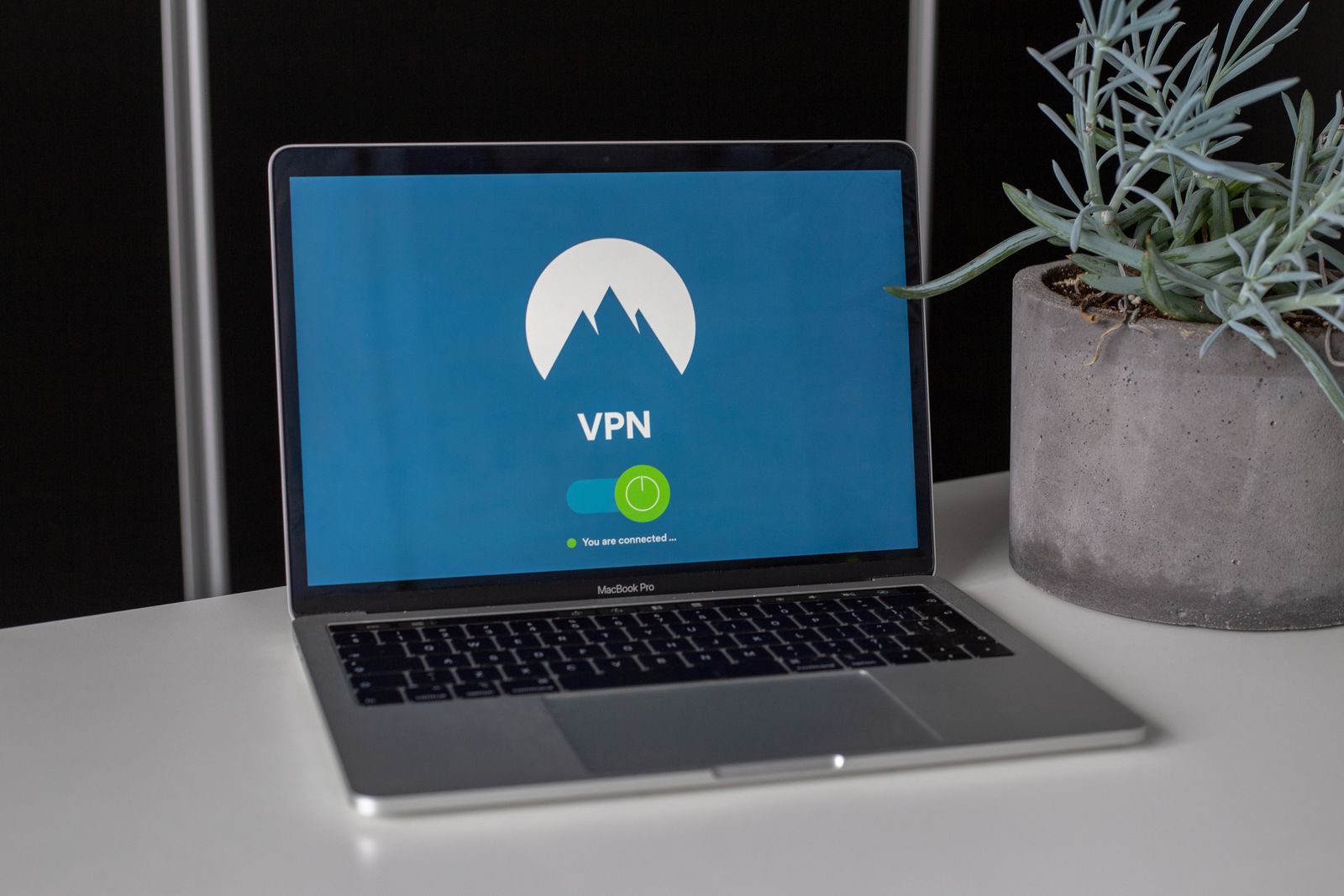
Unmanaged networks are the main risk. A public or poorly protected Wi-Fi network can expose your exchanges. A VPN encrypts the connection between the device and your resources, which greatly reduces this risk, even on an unknown network.
Personal devices need a clear framework. When a team member uses their own computer or phone, it is better to set simple rules: locking, updates, separation of uses, limited access. We bring these best practices together in our article on how to secure remote work with a VPN.
The goal is not to slow down mobility, but to make it safe without complicating it. A few well-set rules are enough to protect the essentials without weighing down your teams’ daily work.
When should you get support?
The fundamentals are within reach of a small business, but some topics benefit from an outside perspective. A few signals indicate that support becomes useful.
When the risk rises or sharpens. A growing team, a recent incident, sensitive data, a customer requirement or an audit requested by a partner all justify a more structured approach than the fundamentals alone.
When you have neither the time nor the skills in-house. Setting up a reliable backup, hardening access, preparing an incident response or framing compliance takes time and experience. Occasional support avoids costly mistakes and projects left half-done.
When you want an overall view. A diagnosis lets you prioritise actions based on your reality, rather than stacking up tools at random. That is exactly what we offer on our cybersecurity and advisory page: on-demand support, calibrated for small businesses, with no oversizing or heavy commitment.
Cybersecurity for a small business does not need to be complex or costly. It rests first on a few well-maintained fundamentals, an aware team and regular attention. By laying these foundations and getting support on the more demanding topics, you turn security into peace of mind rather than a source of worry.
Our iokoo experts support small businesses at every step: diagnosis, fundamentals, compliance and incident response. Create an account to get started or ask your questions.
Frequently asked questions
Is a small business really exposed to cyberattacks?
Yes, more than people think. Attackers rarely target one specific company: they cast a wide net with automated tools and hit the least protected structures. A small business, often without a dedicated IT team, becomes an easy target. A few well-placed fundamentals greatly reduce that risk, with no budget or in-house technical skills required.
Where should you start to secure a small business?
With high-impact fundamentals: a password manager and two-factor authentication on your key accounts, a tested backup following the 3-2-1 method, up-to-date software, and a team aware of phishing. These four low-cost measures block the vast majority of common incidents before they turn serious.
What cybersecurity budget should a small business plan for?
Most fundamentals rely on low-cost tools and good habits, not heavy investment. A password manager, a backup solution and a little awareness weigh little against the cost of a disruptive incident. For more demanding topics (audit, compliance, incident response), on-demand support avoids oversizing the spend.